Software engineering for aviation

Software shaped around business aviation.

Tailored applications, connected systems and better workflows for charter operators, aircraft managers, brokers and aviation service providers.

Explore services

Applications

Systems

Workflows

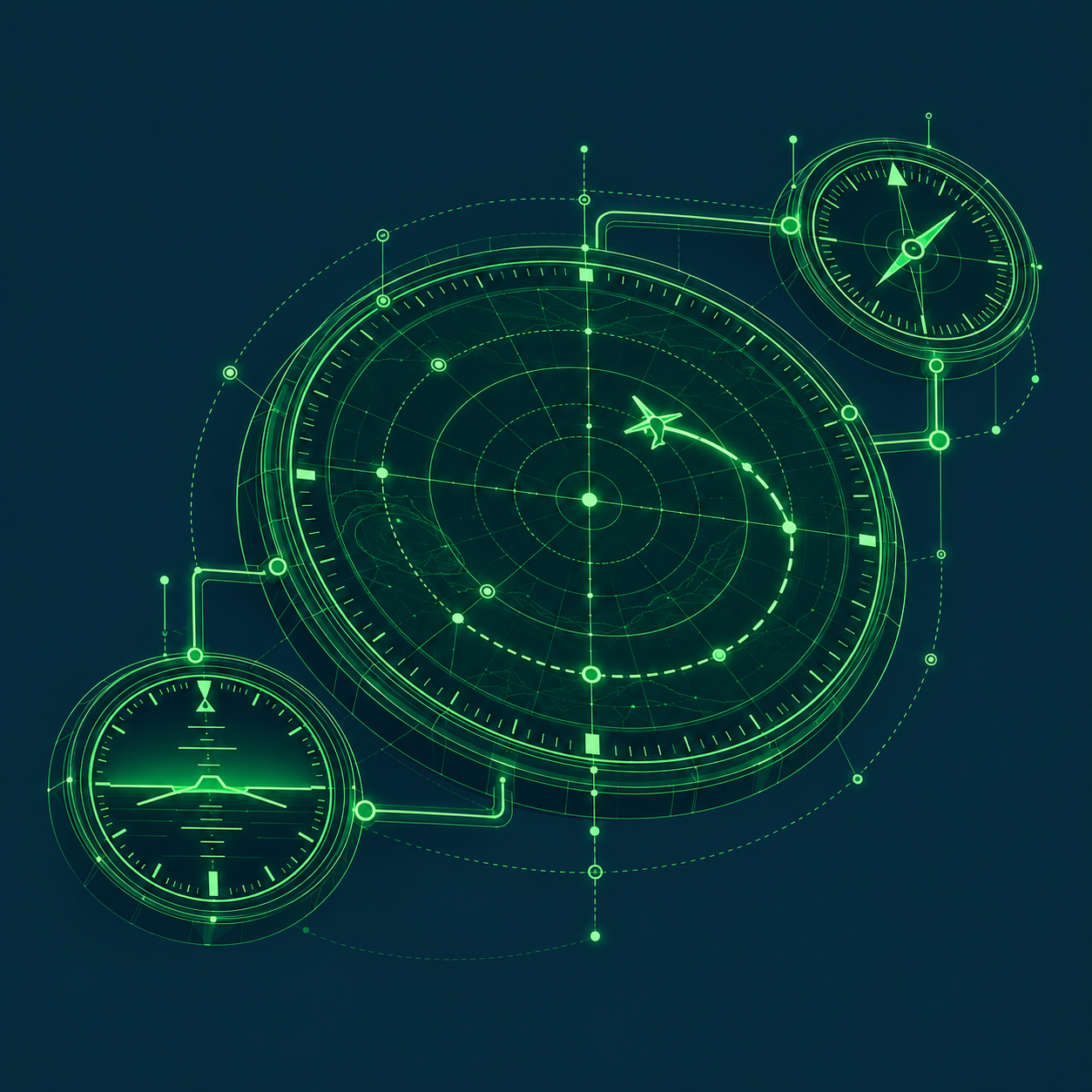
Fine green aviation instruments connected by routed paths: a large radar dial with an aircraft and flight trajectory, linked to two smaller dials.
Fig. 01Aviation × connected systems
Illustrative instrument study

01 / Services

Built around
your business.

Build an application, connect your existing systems or improve a workflow. Start with a specific problem and a clear picture of what your team needs to do.

01 Custom development

Custom web and mobile software

Build a customer portal, internal tool or mobile workflow around the way your business operates.

Bring the right records, tasks and approvals into one application. Begin with one customer or staff workflow and the system connections it needs.

Explore a charter workflow
A connected applicationIllustrative
Customers & partnersYour team
Your custom applicationRecords · tasks · approvals
CRMOperationsFinance
Connect people and their work to your systems, with agreed access.

02 / Connect

Systems and API integration

Connect CRM, operations, finance, maintenance or aviation-data systems so teams can share records without re-entry. Define access permissions and how failed transfers are handled.

03 / Understand

Data and reporting

Bring records from different systems into useful dashboards and reporting packs. Agree definitions, reconcile figures and trace results to their source.

04 / Assist

Workflow automation with checked AI assistance

Automate steps such as enquiry extraction or summaries. Keep rules and calculations in code, with AI drafts checked against sources and approved by an accountable person.

05 / Implement

Implementation and ongoing engineering support

Configure software, migrate records and prepare staff with testing, documentation and handover. Agree ongoing maintenance, support coverage and responsibility for changes separately.

06 / Build with AI

Custom mission-critical AI applications

Build complete AI applications for important processes such as document review or exception handling. Include permissions, task-specific testing, audit trails and manual fallback, with named people retaining approval authority.

07 / Optimise

AI Cost Optimisation

Review what drives AI workload costs, then test changes against quality and response time. Compare cost per successful task, including retries, human review and the cost of implementing and running changes.

08 / Operate

Managed AI Infrastructure & Model Access

Configure workload-appropriate compute, using GPUs only where justified, and separately authorised model access. Connect the environment to your systems and data, with access controls, monitoring and usage management.

Manage infrastructure in your own provider accounts, or arrange supply through FlightInterface under agreed provider and commercial terms. Agree support and ongoing operating responsibilities for each engagement.

Configure an indicative estimate.

USD / month

Calculator controls become available when the local script loads. Until then, the readout shows only the starting example.

Model access
01 / API
Tokens per call · 2,000 in / 500 billable out

1–100,000 whole tokens each per call. Billable output includes charged reasoning tokens. One business request may use several calls.

Whole numbers within the displayed limits. Invalid or empty inputs pause the estimate.

GPU compute
02 / Optional

Managed model APIs do not require rented GPUs.

Price references & assumptions

Reference inputs checked 29 October 2026. Standard paid, uncached text processing, no discounts. Prices are dated references, not a quote, live inventory or capacity advice.

OpenAI API pricing ↗

Sol: $2 input / $10 output per 1M tokens. Astra: $10 / $50.

Anthropic API pricing ↗

Opus 5.5: $4 input / $20 output per 1M tokens.

Runpod pricing ↗

H100 PCIe: $2.89 per GPU-hour. Cloud tier, region and availability require confirmation.

CoreWeave pricing ↗

North America on-demand: 8 × H100 at $49.24 per node-hour; 8 × B200 at $68.80 per node-hour. Each unit is a whole eight-GPU node.

Model usage uses 30 days. GPU billing uses the independently selected hours per capacity unit. Total equals unrounded model and GPU usage plus a fixed 35% management fee.

Setup, integration, storage, network, licences, resilience and taxes are excluded or scoped separately. Media, tools, retries, cache effects, regional variations and other charges are not modeled. Charged reasoning belongs in the billable output input.

GPU rental does not grant proprietary model access. Providers and hardware are not performance-equivalent. External model calls involve external processing; private hosting and residency require separate design. Final scope, supplier availability and commercial terms require confirmation.

02 / Possible work

The workflow
sets the shape.

Three ways software could help with everyday aviation business work.

Possible projects to discuss. All examples and diagrams are illustrative.

A / Commercial workflow

From charter enquiry
to quote review.

When enquiry details and quote revisions are scattered, a portal could give sales teams one place to prepare and review a response.

For
Charter sales and operator teams
Deliverable
An enquiry form, CRM connection and quote-review portal with a history of revisions
Review
Agree access to customer records. Your authorised commercial reviewer approves each quote before release.
Fig. 02 / Quote preparationIllustrative
EnquiryTrip details & requirements
CRM recordsApproved customer records
Quote & revision historySee the changes and source details
Commercial reviewAuthorised approval before release
AI could help prepare enquiry details for review.
Rules and calculations stay in code.

B / Team coordination

Keep a trip-service
handoff connected.

A mobile workflow could help coordinators and service teams track each request, responsible person, acknowledgement and update, so missed handoffs are easier to spot.

For
Operations coordinators and service teams
Deliverable
Mobile requests, status updates and attachments connected to your chosen system
Review
Name who resolves missing or conflicting updates. Agree the devices and any offline access the team needs.
Fig. 03 / Handoff pathIllustrative
  1. Coordinator
    Assign a requestTask · responsible person · attachments
  2. Service team
    Acknowledge & updateWork status · supporting records
  3. Coordinator
    Review the handoffResolve missing or conflicting updates
Updates sync with
Your chosen source system
Keep the current status in one agreed system.
People remain responsible for operational decisions.

C / Business visibility

A clearer view for
owners and management.

A reporting pack could bring financial and operational figures together for owners and managers, with each total linked to the underlying records.

For
Finance controllers, aircraft managers and account teams
Deliverable
Read-only source connections, reconciled reports and views for approved recipients
Review
Finance approves the reporting period, source records and allocation rules, then reviews the reconciled pack.
Fig. 04 / From records to reportIllustrative
Finance records
Operations records
Reconcile & allocateMatch totals · apply agreed rules
Owner / company packApproved recipients
Figures linked to source records
Follow report figures back to their source records.
Changing source data requires a separate scope.

03 / Delivery approach

Start with the gap.
Build with a clear scope.

Start with your team’s workflow and the tools already in place. Identify what can be configured or connected, and where custom software would help.

  1. 01

    Understand the work

    Walk through the process with your team. Identify the problem, the systems involved, permitted data access and who approves the work.

    Workflow & system map
  2. 02

    Agree what to deliver

    Agree what you will receive, how it will be checked and who accepts it. Use a prototype where it helps settle the scope.

    Agreed scope & review plan
  3. 03

    Build and connect

    Build or configure the software and connect the agreed systems. Review working versions with the people who will use them.

    Working software & connections
  4. 04

    Test and hand over

    Test the agreed tasks and failure cases with your reviewer. Hand over the software and documentation, with clear responsibility for running it.

    Reviewed delivery & handover

AI where it helpsUse AI where interpretation helps, with source checks and human approval. For a complete AI application, also agree performance tests, monitoring and how work continues if it fails.

Support by agreementAgree ongoing maintenance, support coverage, response expectations and responsibility for changes separately from the build.

04 / Start with a workflow

What needs to
work better?

Tell us about software you need, systems you want to connect or an AI workload you want to improve.

Let’s discuss the work

  • Who will use it and what they need to do
  • The systems you use and where work gets held up
  • What a useful result would look like
contact@flightinterface.com